
Vibein / How it works01
Choose the reference
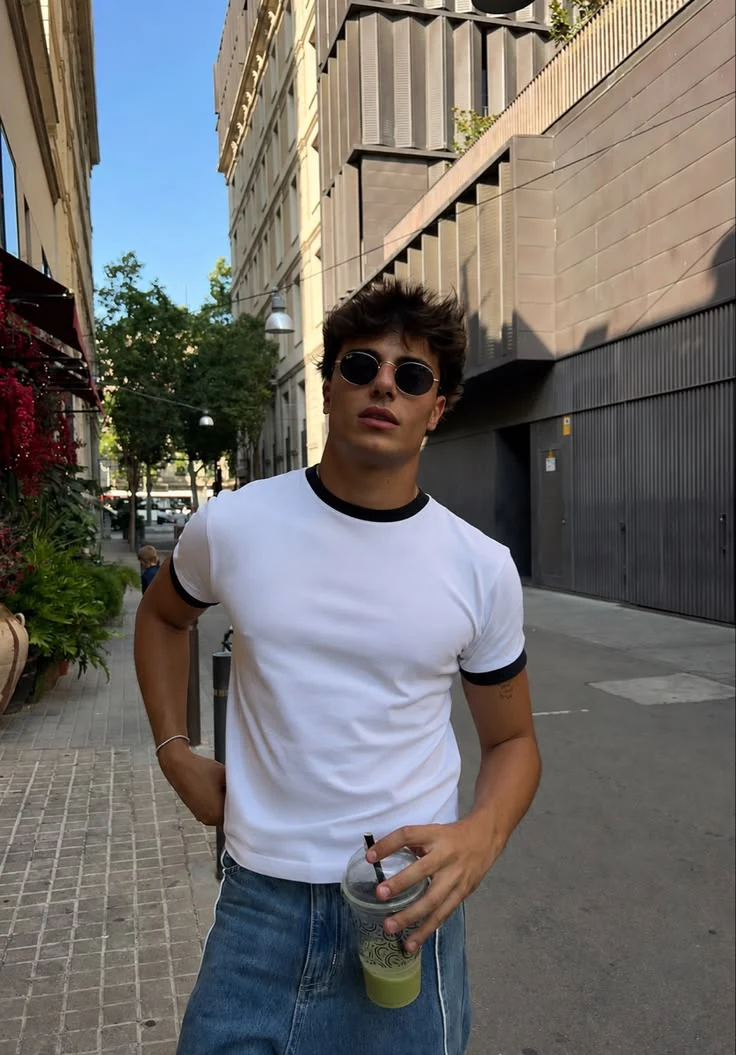
Share a photo with the scene, styling or light you want.
Recreate a saved look, adjust the pose in a photo, or turn one shot into a complete photo dump. Your Identity Kit guides every result.
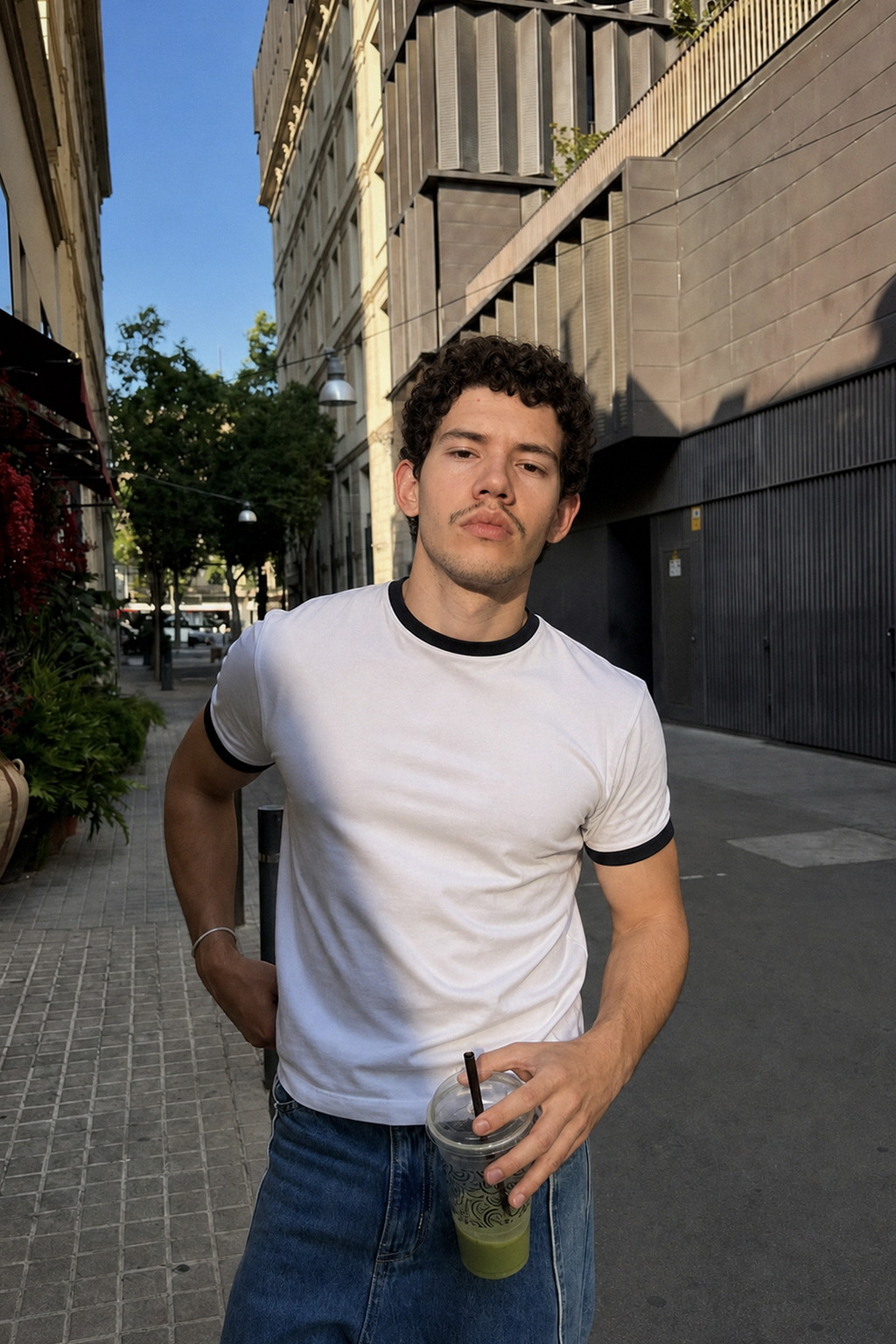
Share a photo with the scene, styling or light you want.
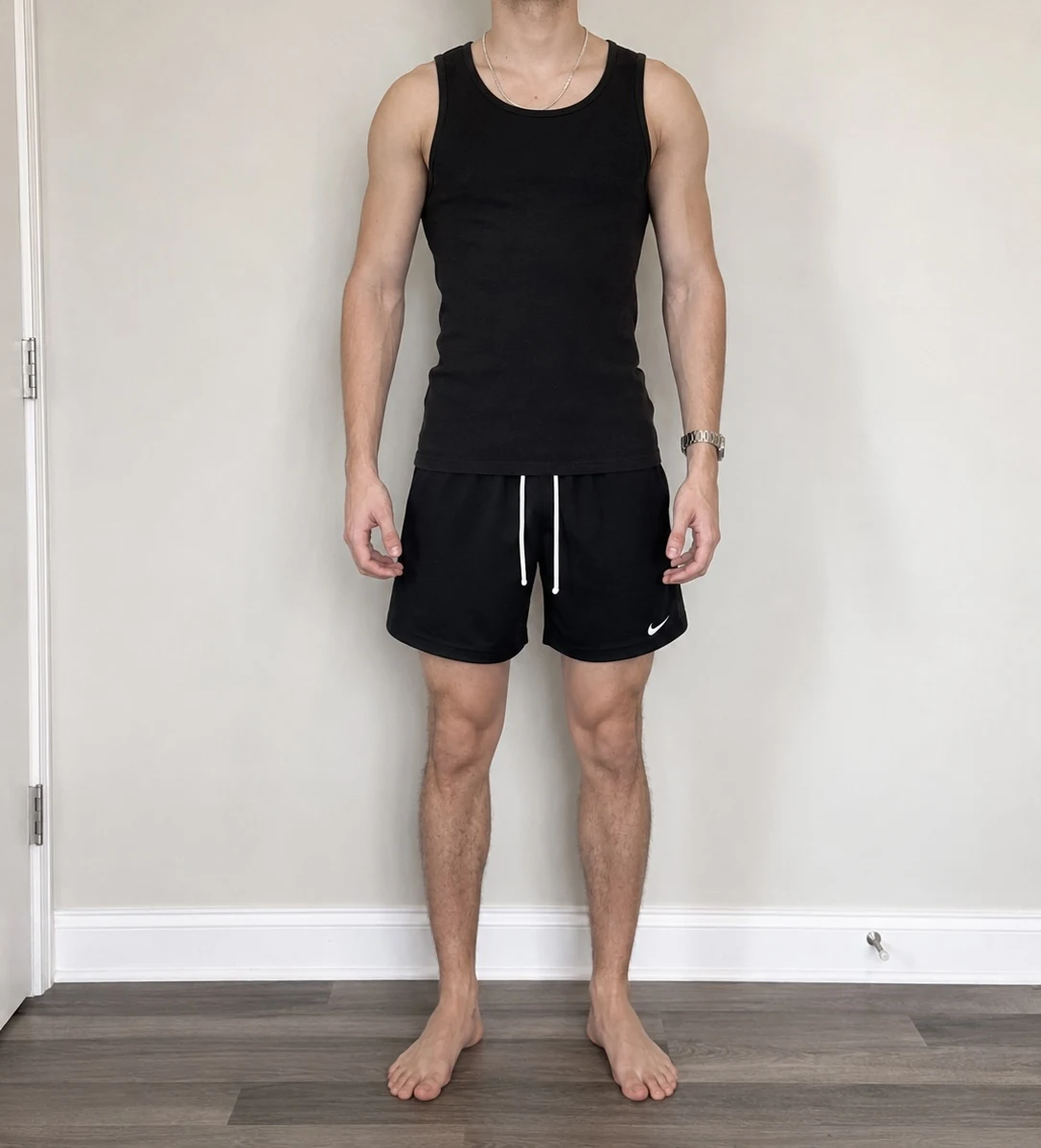
A few selfies give Vibein a consistent reference for you.
Generate, compare and download the version that feels right.
Choose a reference photo you have permission to use. Vibein uses its composition, light and styling while your Identity Kit guides the subject.


Start with your own photo and request a different pose while keeping the original person, outfit and setting as guides.
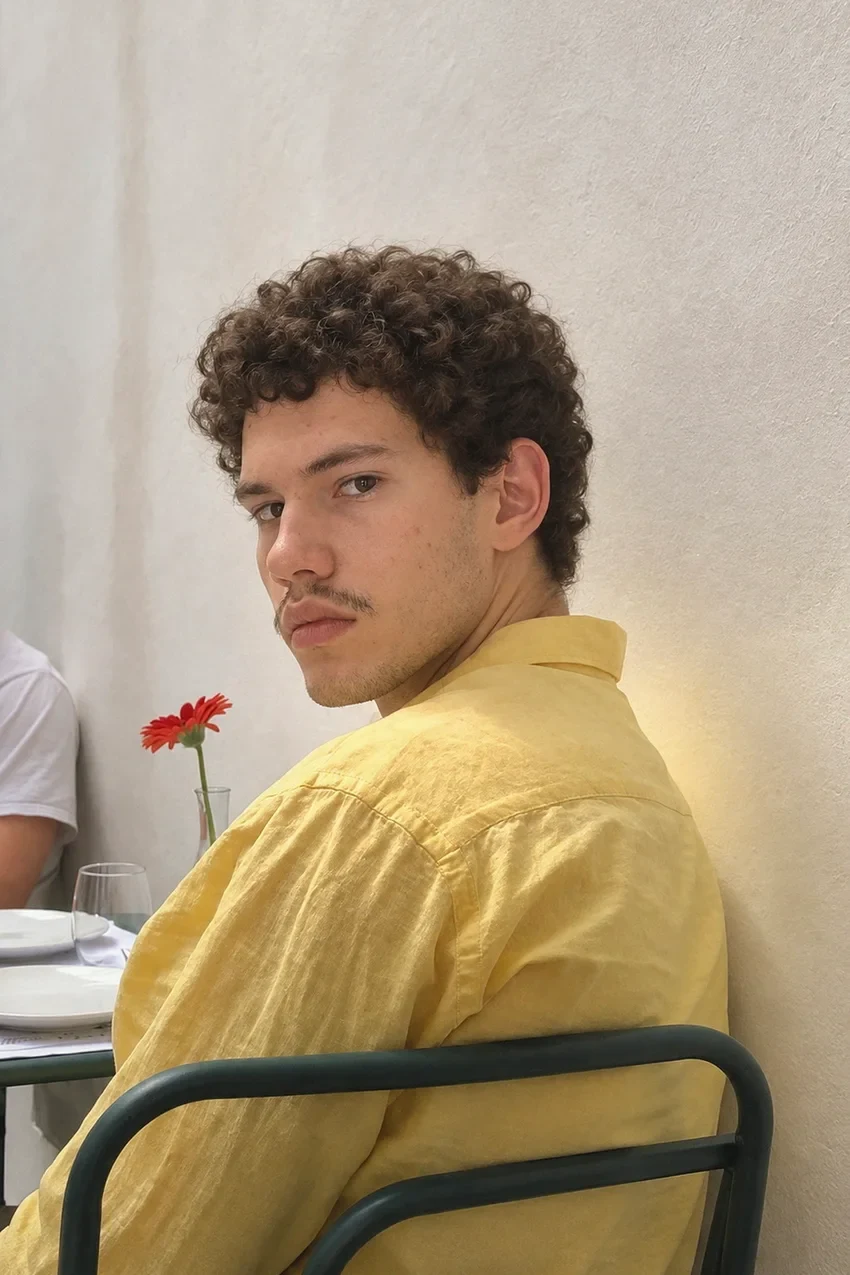
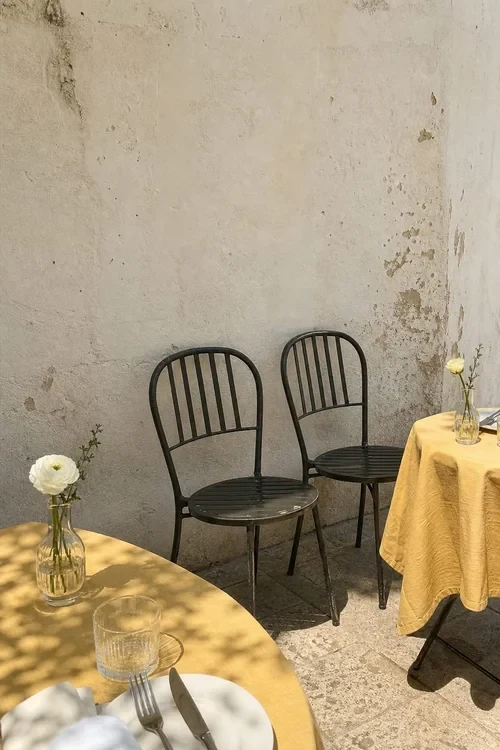
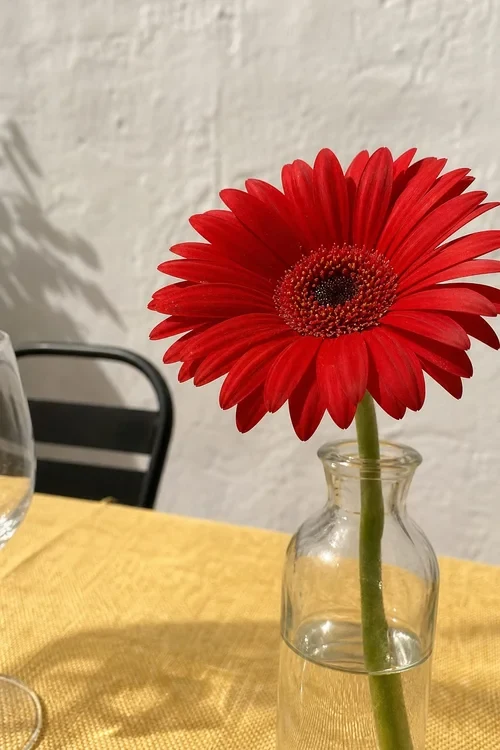
Start with one photo and create supporting shots, such as a wider view, detail or transition, inspired by the same moment.
Examples are generated by AI. Results and likeness can vary with each reference.
Vibes are the balance used to create photos across Studio. The app shows the current price and allowance before purchase.
Weekly plan
Annual plan
Current US App Store prices in USD. Prices, allowances and offer eligibility can vary by store or region and are confirmed in the app before purchase.
You provide a reference photo and Identity Kit photos. Vibein uses them as creative inputs to generate a new image with you as the intended subject.
Your photos are stored and sent to the service providers needed to create, moderate and support your results, as described in the Vibein Privacy Policy.
Current prices, renewal periods, Vibe allowances and any eligible offers are shown in the app before purchase. They can vary by store and region.
Vibein is available now on iPhone through the App Store and on Android through Google Play.
Vibes are your universal creative balance. Use them in Recreate a look, Fix your posing or Make a photo dump.
Vibein is designed to preserve recognizable features by using your Identity Kit as a guide. Results vary, so review each photo before sharing it.
Vibein Studio is available now on the App Store and Google Play.